Pillar 04 · Actions
Knowledge into action.
Every course ends with a recommended action. One tap and it becomes a tracked habit, with the right shape for the practice.
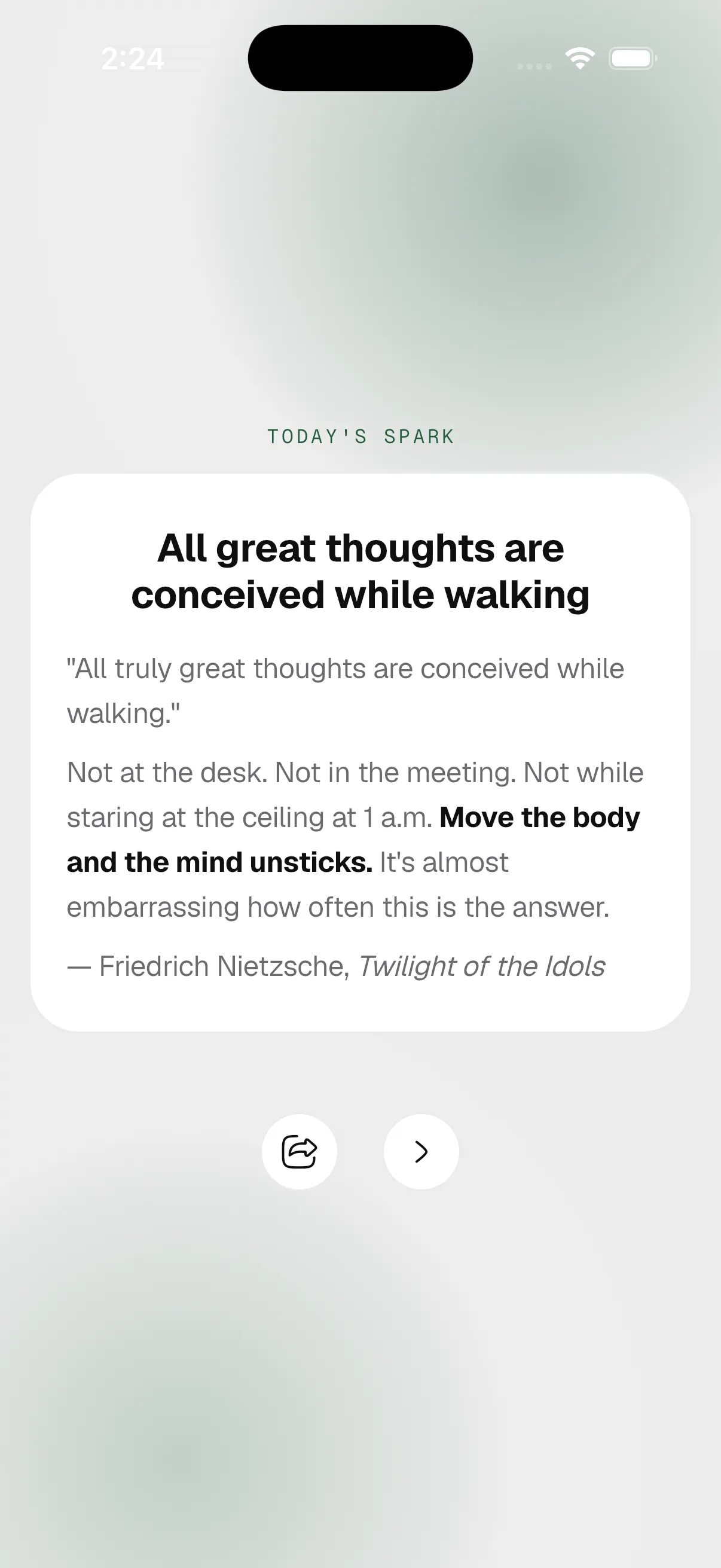
Ameleva's action system turns course content into tracked habits in one tap. Every lesson ends with a recommended action of one of five types: one-shot for single completions, finite for fixed-length habits, ongoing for open-ended daily practices, graduated for progressive-difficulty targets, and reflection for structured journaling prompts. Each action lands in the tracker with the right habit shape already configured. All five types are included on iOS and Android in every plan.
Five action types
One per relationship to practice.
- 01
One-shot
Single-completion task. Marks done and removes from active list. For setup-class actions.
e.g. Open a high-yield savings account.
- 02
Finite
Fixed-length habit with a defined end date. Auto-archives on completion.
e.g. Seven days of evening journaling.
- 03
Ongoing
Open-ended daily practice with no end date. Pure habit-formation.
e.g. Daily gratitude entry.
- 04
Graduated
Progressive-difficulty habit. Ameleva auto-increments the target on a defined cadence.
e.g. Five minutes of focused breathing, +1 every 3 days, capped at 15.
- 05
Reflection
Habit with structured journaling prompts. Logs are encrypted when E2EE is on.
e.g. End of week: what is alive? what is heavy?
FAQ
Actions, asked.
- Can I create my own action?
- Yes. From the Today tab, tap + and choose an action type. Custom actions behave identically to course-recommended actions.
- What happens when a finite action ends?
- It auto-archives but stays visible on the calendar. You can restart with one tap or convert it to ongoing.
- How does graduated progression work?
- You set a starting value, an increment (e.g., +1), a cadence (e.g., every 3 days), and an optional cap. Ameleva auto-bumps the target. Skipping a day does not reset progression.